Expired elements deactivation
 Getting started
In this article, you can learn about the expired elements deactivation functionality, which allows you to automatically deactivate CMS, promotion, and mobile app elements when the current date is after the end date. Deactivated elements save up server memory and increase website responsiveness. It also helps with better admin panel filtering and navigation, as unused elements won't be visible as "active" anymore, so it will be easier to find currently used ones.
Table of contents:
Configuring the functionality
By default this functionality is disabled. In order to enable it you have to navigate to:
System > System / Settings > Built-in functions > Expired elements deactivation
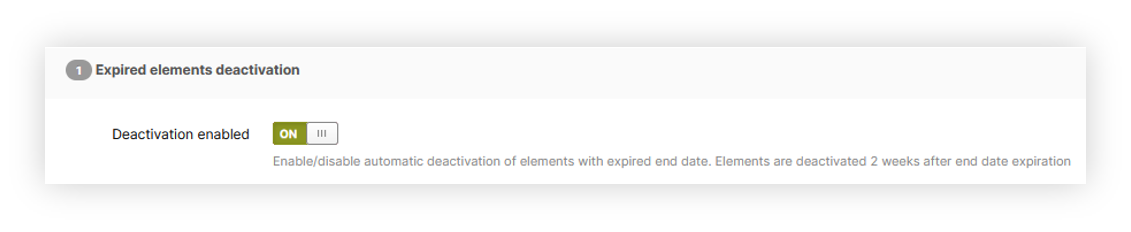 |
| Visualization of the functionality system settings |
In the Expired elements deactivation tab you can find a single switch called Deactivation enabled, by enabling it you are enabling the automatic deactivation of elements with expired end date. Elements are deactivated 2 weeks after the end date expiration.
The affected elements are:
- CMS blocks
- CMS pages
- Altshops
- Product stickers
- Cart promotion rules
- Promotion pages
- Opensets
- Private offers
- Sliders
- Layout banners
- Popups
- Mobile app elements: articles, carousels, cms elements, current offers, homepage products, sub-campaigns
The command is set to run every day at 2 am.