Login via Apple ID
 Getting Started
Apple integration allows to register and log in using an Apple account with a simple click of a mouse (1). In order to enable the functionality, it is needed to provide the necessary keys from the Apple app, and enable it in the System / settings.
This integration allows customers to quickly log in or register to their accounts without the need to provide additional email and password information.
 RememberIt is also possible to register and log in using Google, Facebook, and Seznam accounts. You can find more about that in the Social login and Login via Seznam articles.
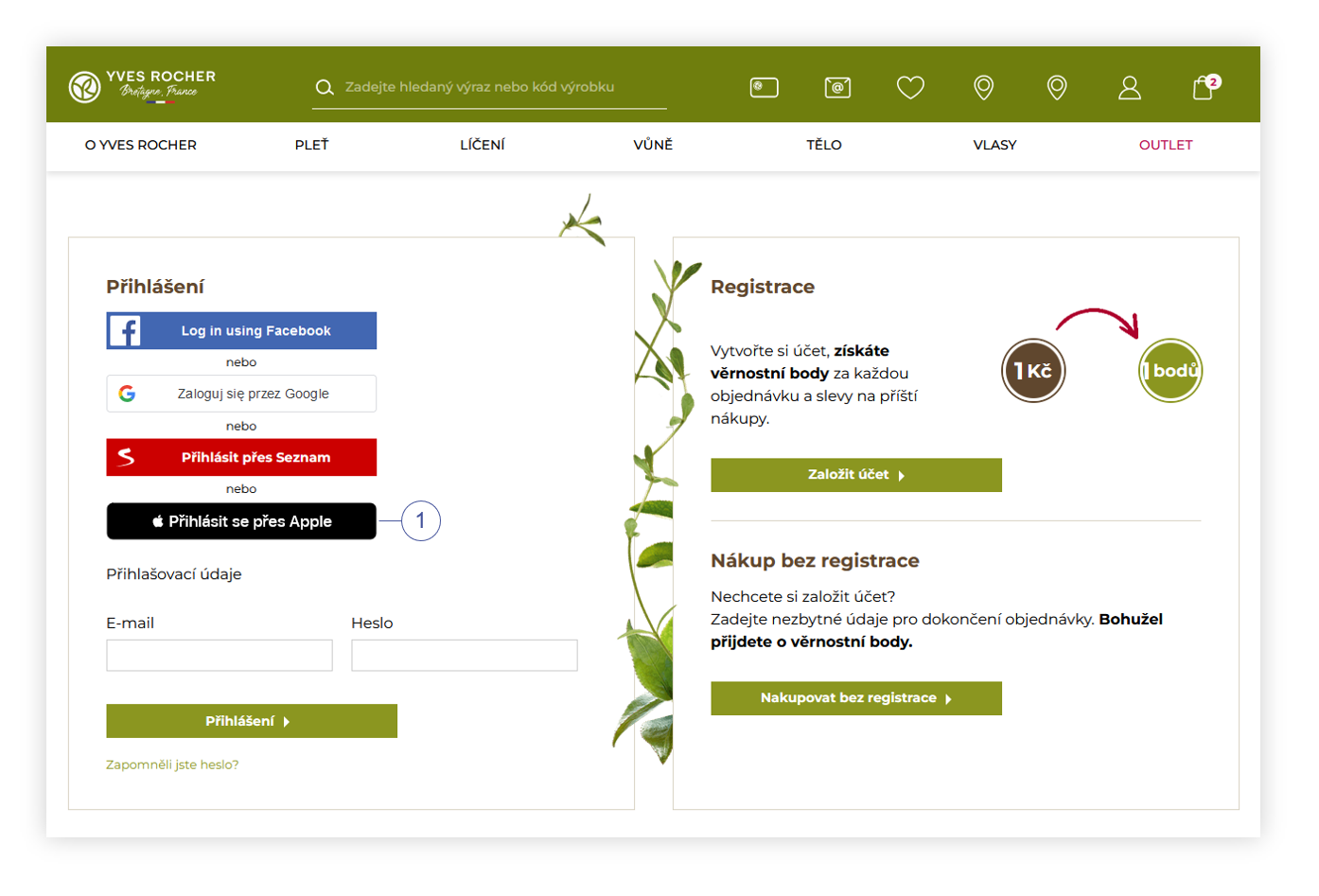 |
| Visualization of the Apple ID authorization button on the log in page |
Table of contents:
Configuring the functionality
Apple log-in can be configured in the:
System > System / Settings > Integrations > Apple Auth.
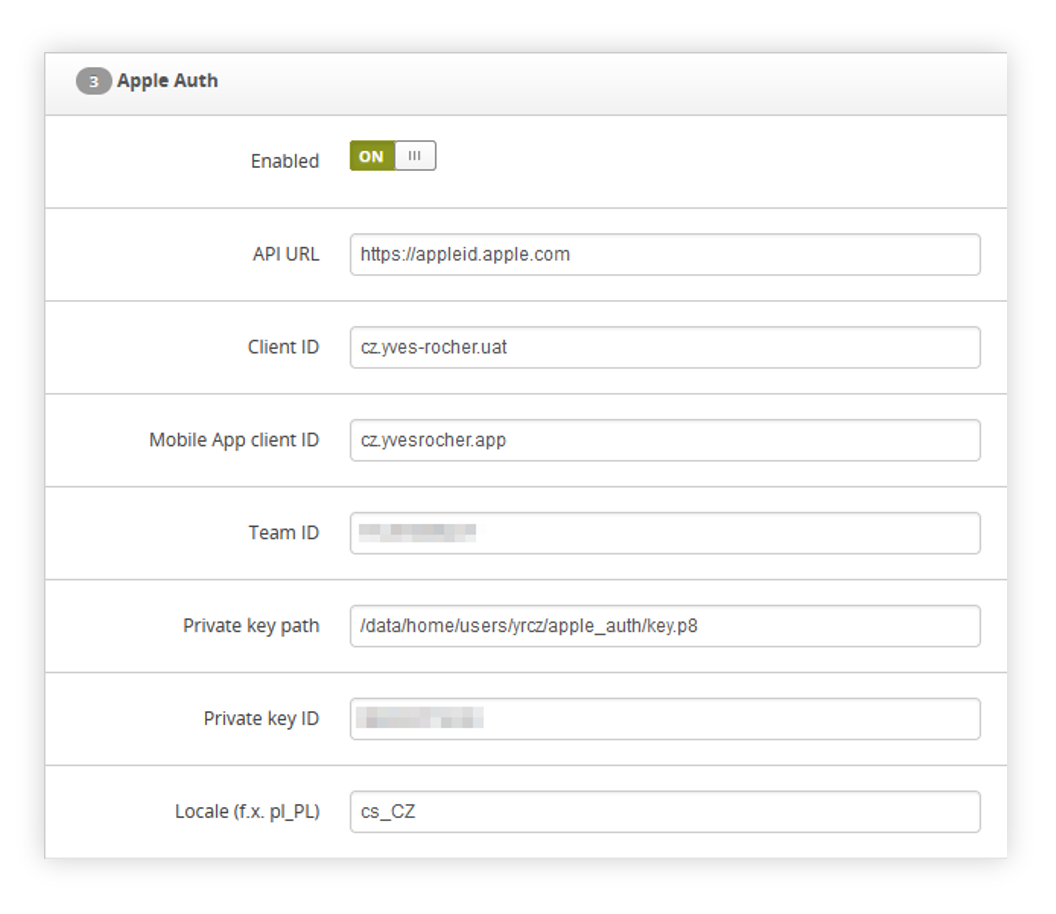 |
| Visualization of the Apple.cz authorization tab |
In this tab we can find following options:
- Enabled - A switch that enables the functionality.
- API URL - URL of the Apple API. Should always be set to https://appleid.apple.com.
- Client ID - Client identifier which can be obtained from Identifiers / Services IDs section in Apple Developer website.
- Mobile App client ID - Client ID parameter used by mobile applicaiton
- Team ID - Apple team ID taken from Apple developer website.
- Private key path - Absolute path to Apple p8 private key.
- Private key ID - Apple p8 private key ID.
- Locale (f.x. pl_PL) - Integration locale. F.x. pl_PL for Poland.
Customer perspective
When functionality is enabled, the customer will be able to simply register and log in by pressing the Login with Apple button (1) and using his Apple ID on the log in page:
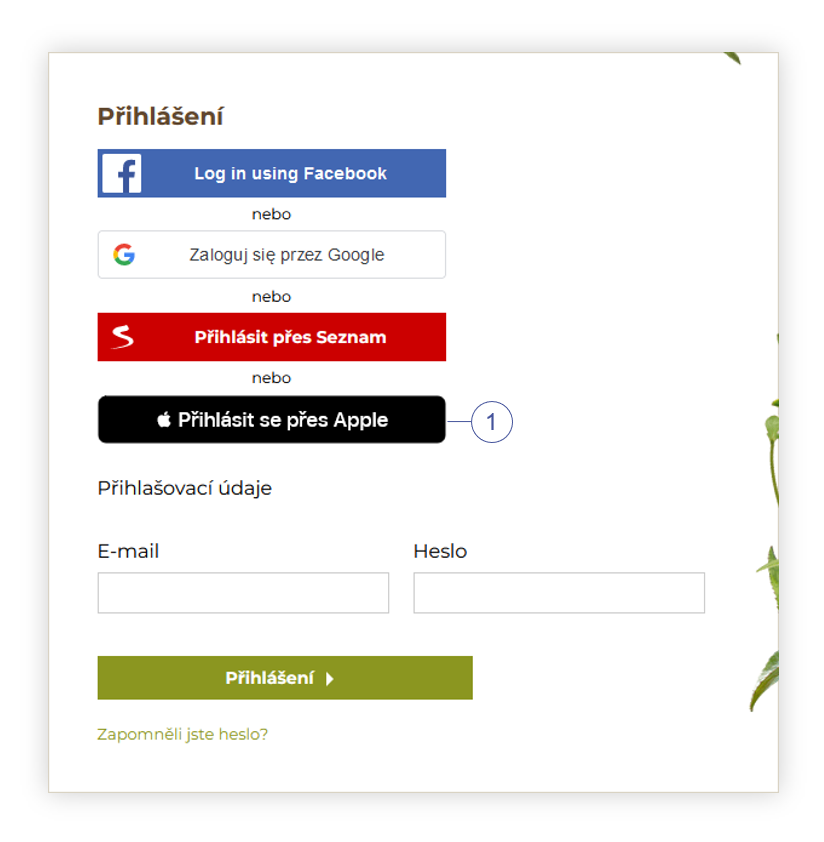 |
| Visualization of the Apple authorization button on the log in page |
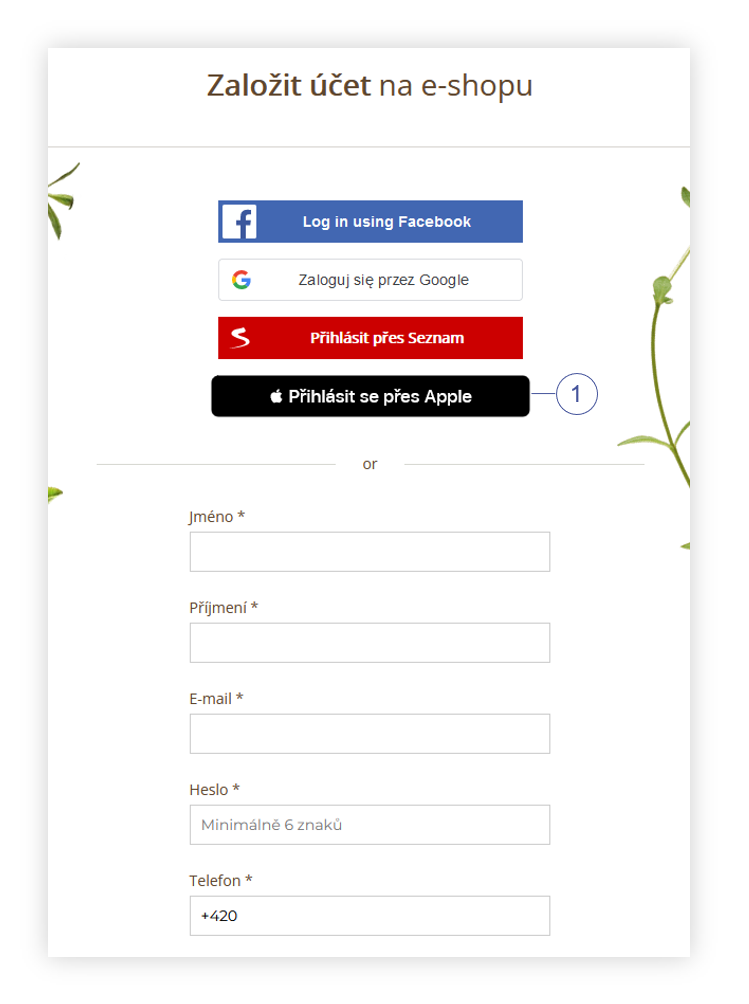 |
| Visualization of the Apple authorization button in the register tab |
When a customer selects the option to log in via Apple ID, the Apple popup will appear, where the customer is able to log in to his Apple account or select logged in account and log in into it.
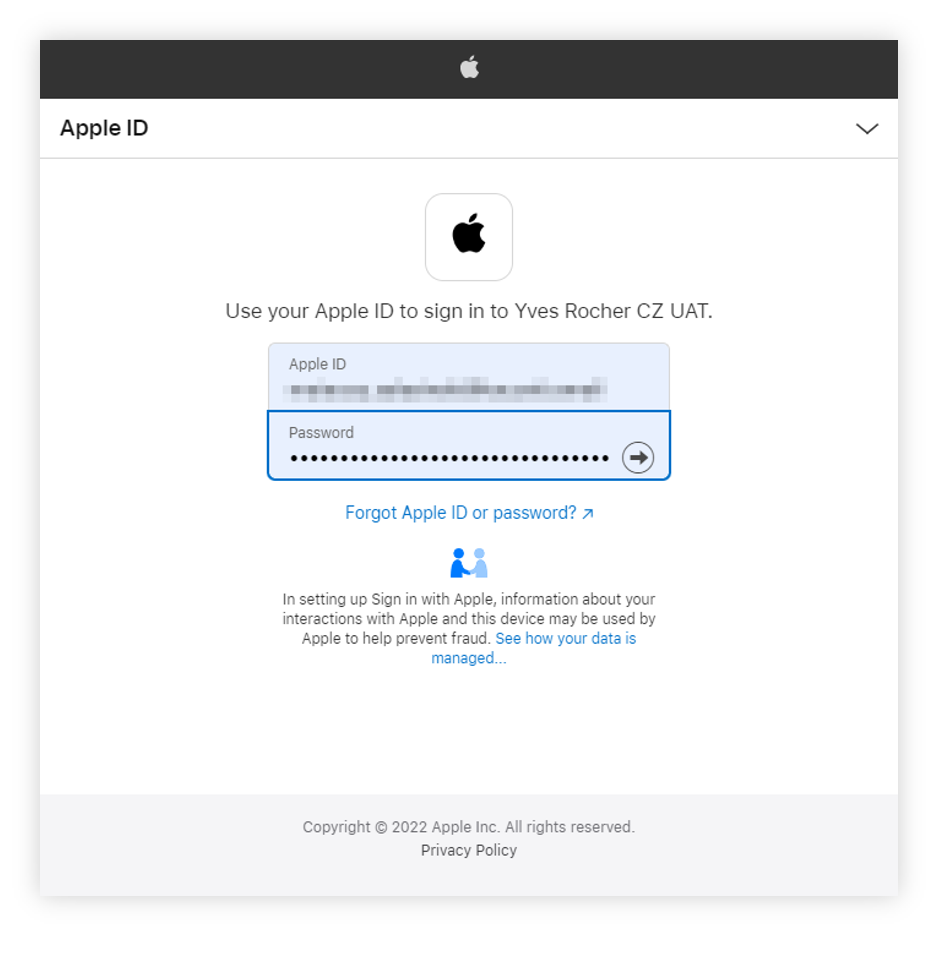 |
| Visualization of the Apple authorization |
After logging in customer will have to allow Yves Rocher website access to their Apple ID.
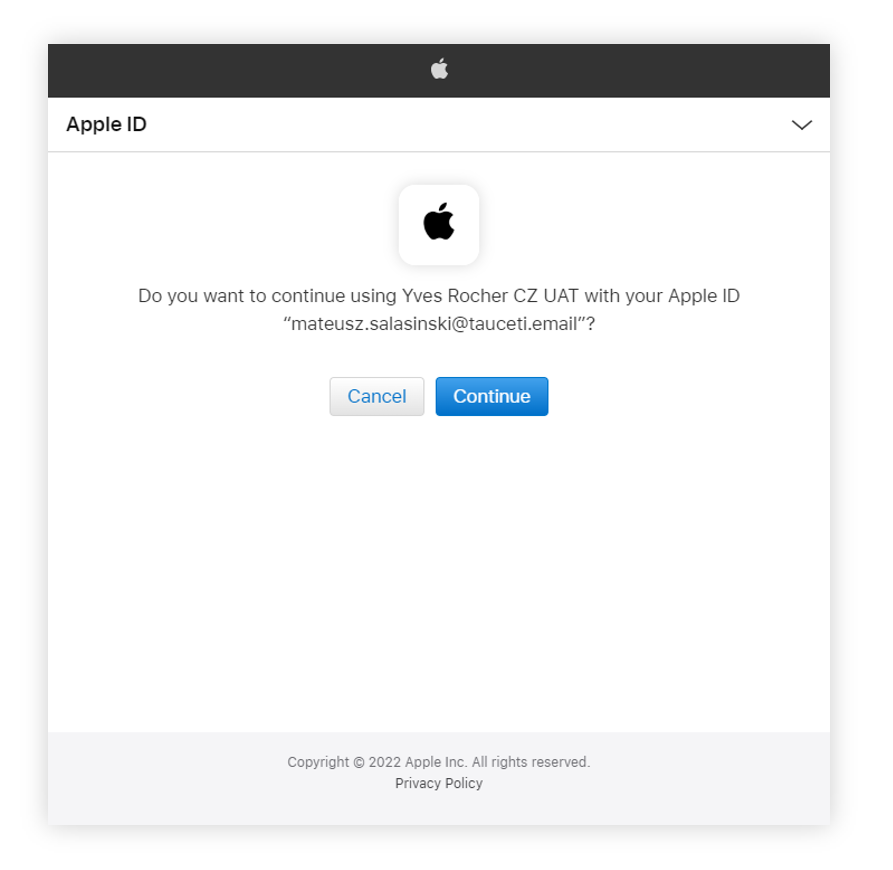 |
| Visualization of the Apple authorization |
After acceptance customer will be logged in if there is already a registered account using that
e-mail address.
In case there is no account with the customer's e-mail address in the database, he will be redirected to the registration web page, where he has to fill in the needed fields (2) for registration that are not provided by Apple.
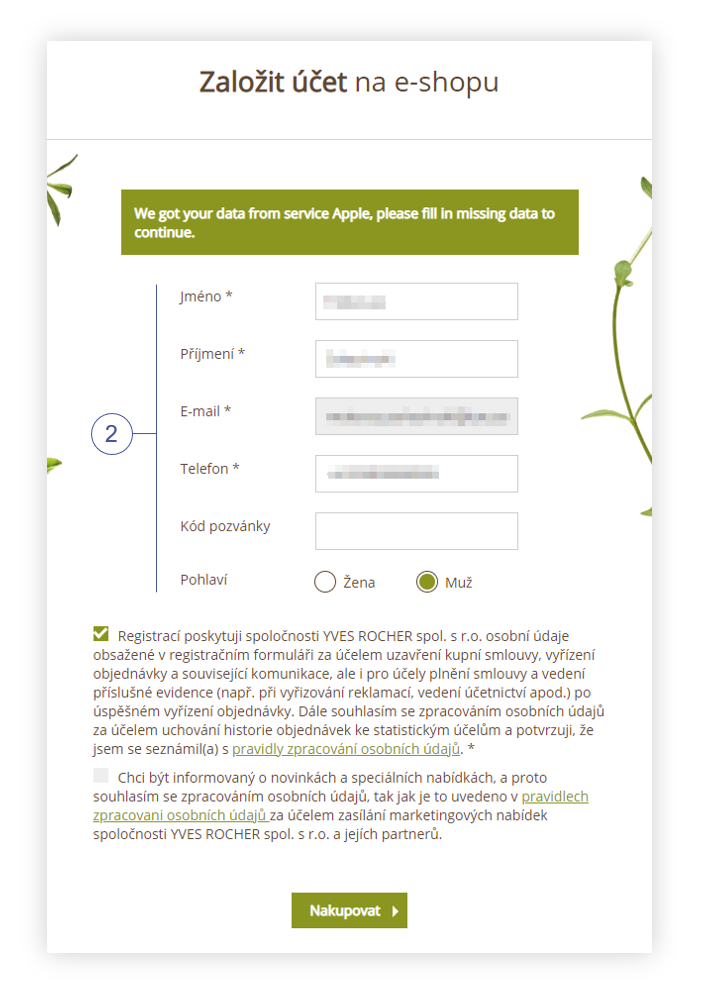 |
| Visualization of the Apple additional information page |